MIRA Mobile: Review Timekeeping and Work in Progress
Updated: Oct 9
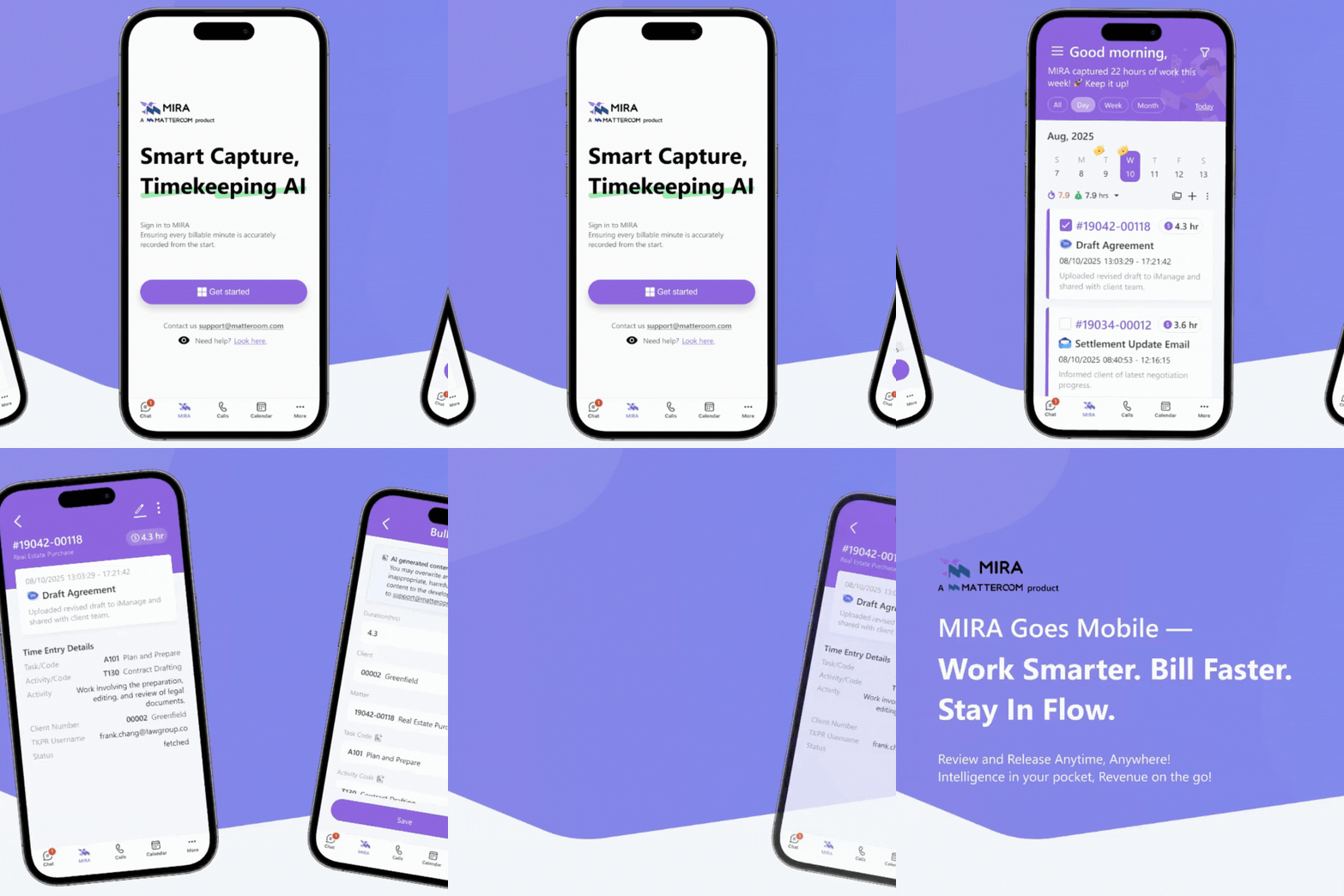
MIRA’s mobile experience brings timekeeping and work-in-progress (WIP) visibility into a workflow that can be used away from a desk. The practical goal is to review work while its context is still fresh—not to assume that every activity on a phone becomes a billable entry.
A useful moment: after a client meeting
After a meeting, review the available time information, confirm the matter and make sure the narrative describes the work performed. Check for missing time or duplicates before approving the record for your firm’s billing process.
This is an illustrative review routine, not a step-by-step description of particular mobile screens. The available capture sources and actions depend on your configuration.

Time capture and mobile access are different
Being able to access MIRA on a mobile device does not by itself mean that calls, messages or all other phone activity are automatically captured. Ask which supported sources produce time records and which entries require manual input or review.
WIP visibility can help users notice work awaiting review or billing, but what is visible depends on the account’s data and permissions.
Before relying on mobile timekeeping
Confirm supported devices and whether access uses a browser or an app.
Test the available time-review and entry actions with your own account.
Check capture sources, connectivity requirements and role permissions.
Common questions
Does MIRA automatically capture everything I do on my phone?
The mobile announcement does not establish that. Confirm the supported activity sources rather than treating mobile access as device-wide capture.
What should a lawyer check after a client meeting?
The matter, duration, narrative and any duplicate or missing entry. A recorded activity is not automatically approved for billing.
Can managers review WIP from a mobile device?
The announcement describes mobile WIP visibility. Confirm the available views and permissions for your deployment.


Comments